Introduction
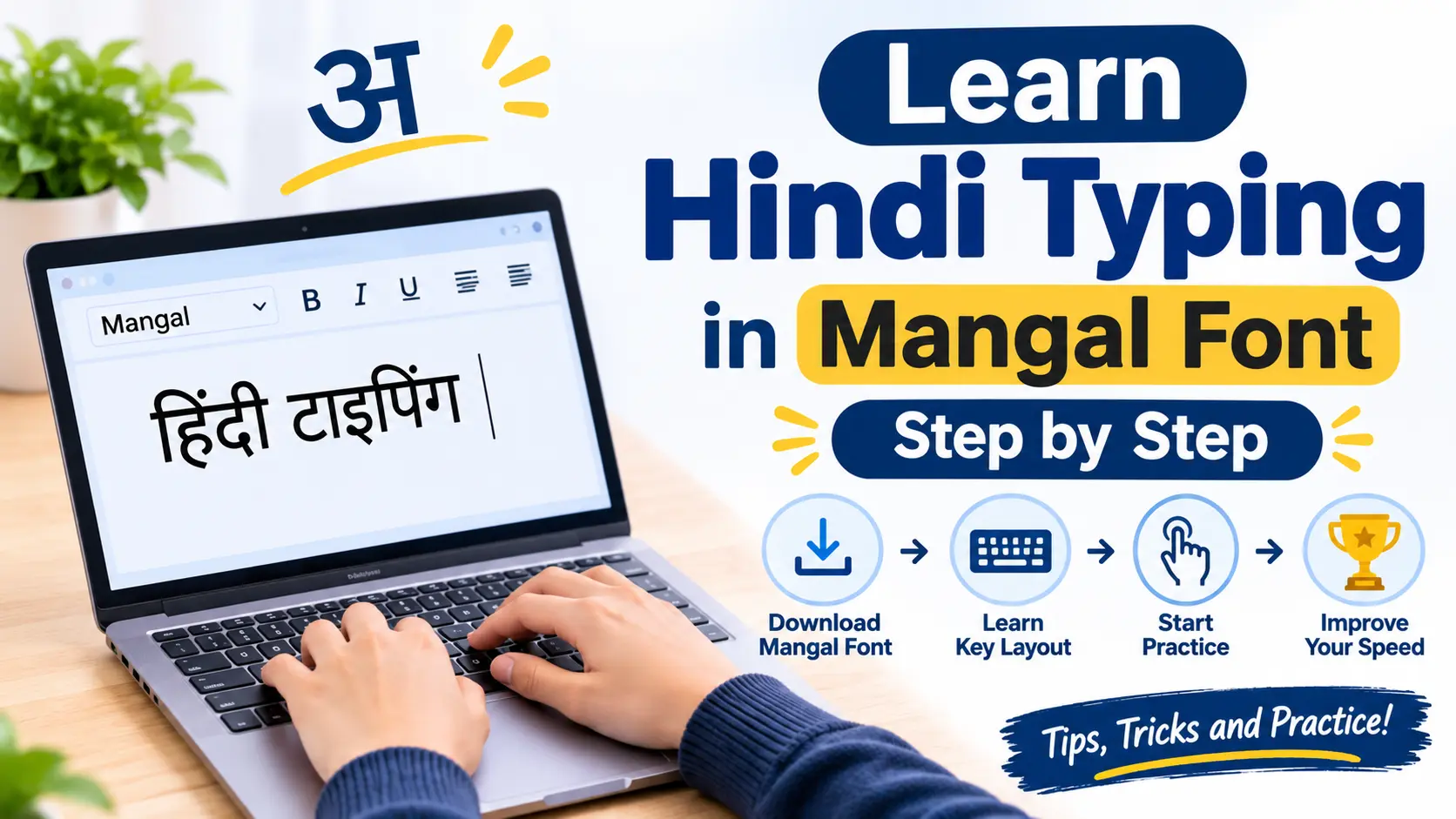
Hindi typing is a useful computer skill for students and job seekers. It is especially important for people preparing for government examinations or working in offices where Hindi documents are required.
Many beginners want to learn Hindi typing but do not know where to begin. They often hear about Mangal font and wonder how to use it for typing Hindi words and sentences.
Learning Hindi typing is not difficult when you follow the right steps. You need to understand the keyboard layout and practise regularly. With a little patience you can become comfortable with Hindi typing and gradually improve your speed.
In this guide you will learn how to set up Hindi typing in Mangal font and how to practise from the basics.
What Is Mangal Font?
Mangal is a Unicode font used for displaying Hindi text in the Devanagari script. It is commonly used in official documents and digital content.
One important thing beginners should understand is that Mangal is a font and not a keyboard layout.
A font controls how text appears on the screen. A keyboard layout decides which keys you need to press to type Hindi characters.
For example you can use the InScript keyboard layout to type Hindi characters and display the text using Mangal font.
This difference is important because simply selecting Mangal font does not automatically allow you to type Hindi.
Why Should You Learn Hindi Typing in Mangal Font?
Hindi typing can be useful in many areas of education and professional work.
Here are some reasons to learn it:
-
Government examinations: Some recruitment examinations require Hindi typing skills.
-
Office work: Many offices use Hindi for preparing letters and documents.
-
Education: Students can prepare assignments and study material in Hindi.
-
Computer skills: Hindi typing helps you work with digital content in your preferred language.
-
Career opportunities: Good typing skills can be useful for jobs involving data entry and documentation.
Learning Hindi typing can also make it easier to create Hindi content for websites and other digital platforms.
Step 1: Understand the Hindi Keyboard Layout
Before starting your typing practice you should understand the keyboard layout.
A keyboard layout shows where different Hindi characters are placed on the keyboard.
There are different ways to type Hindi on a computer. Two commonly used options are InScript and phonetic typing.
InScript Keyboard Layout
InScript is a standard keyboard layout for Indian languages. It has specific key positions for Hindi characters.
If you are preparing for an examination then check whether InScript is required before starting your practice.
Phonetic Hindi Typing
Phonetic typing allows you to enter Hindi words using English letters. The input tool converts those letters into Hindi characters.
For example you can type a Hindi word using its English pronunciation and the tool will suggest the corresponding Hindi text.
Choose the keyboard layout that matches your learning or examination requirements.
Step 2: Set Up Hindi Typing on Your Computer
Before practising you need to enable Hindi input on your computer.
If you are using Windows then follow these steps:
-
Open Windows Settings.
-
Select Time and Language.
-
Open Language and Region.
-
Add Hindi if it is not already available.
-
Open the language options.
-
Check the available Hindi keyboard layouts.
-
Select the layout you want to use.
After completing the setup open Notepad or another text editor.
Select Hindi input and start typing a few characters. Make sure the Hindi text appears correctly on your screen.
You can also select Mangal font in a compatible application when you want your document to display Hindi text in that font.
Step 3: Learn Hindi Vowels and Consonants
The next step is to become familiar with Hindi characters.
Start with vowels and then move towards consonants. Practise a few characters at a time instead of trying to learn everything in one session.
Hindi Vowels
अ आ इ ई उ ऊ ऋ ए ऐ ओ औ अं अः
Hindi Consonants
क ख ग घ ङ च छ ज झ ञ
ट ठ ड ढ ण त थ द ध न
प फ ब भ म य र ल व
श ष स ह
Try typing each character several times. Pay attention to the characters that are difficult to remember.
Step 4: Practise Common Hindi Words
Once you understand the basic characters start typing simple Hindi words.
Begin with words that you already know. This will help you focus on the keyboard instead of thinking about the spelling.
Use these words for practice:
-
नमस्ते
-
भारत
-
विद्यालय
-
विद्यार्थी
-
कंप्यूटर
-
किताब
-
परिवार
-
परीक्षा
-
अभ्यास
-
सफलता
Type every word slowly and check whether the correct characters appear on the screen.
Do not worry about speed at this stage. Your main goal should be to type every word correctly.
Step 5: Start Typing Hindi Sentences
After practising individual words move towards complete sentences.
Sentences help you understand how different characters work together. They also prepare you for typing longer paragraphs.
Practise these sentences:
मेरा नाम राहुल है।
मैं प्रतिदिन हिंदी टाइपिंग का अभ्यास करता हूँ।
हिंदी हमारी एक महत्वपूर्ण भाषा है।
नियमित अभ्यास से टाइपिंग की गति बेहतर होती है।
शिक्षा हमारे जीवन में महत्वपूर्ण भूमिका निभाती है।
Repeat these sentences until you can type them comfortably.
Step 6: Practise Hindi Paragraphs
When you become comfortable with short sentences start typing complete paragraphs.
Paragraph practice helps you improve your typing flow and concentration.
You can use this simple paragraph for practice:
भारत एक सुंदर देश है। यहाँ अनेक भाषाएँ बोली जाती हैं। हिंदी भारत की प्रमुख भाषाओं में से एक है। आज के समय में कंप्यूटर का उपयोग शिक्षा और कार्यालय के काम में बहुत बढ़ गया है। इसलिए हिंदी टाइपिंग सीखना एक उपयोगी कौशल बन गया है।
Try typing the paragraph without stopping after every word. Check your mistakes once you finish.
Step 7: Improve Your Typing Speed and Accuracy
Speed is important but accuracy should always come first.
Many beginners try to type quickly from the first day. This often leads to repeated mistakes and incorrect typing habits.
Follow these simple tips:
-
Practise for at least 20 minutes every day.
-
Learn the keyboard layout properly.
-
Repeat difficult characters and words.
-
Check your mistakes after every session.
-
Avoid looking at the keyboard too frequently.
-
Increase your speed gradually.
-
Take regular Hindi typing tests.
Remember that consistent practice is more important than typing quickly for a short period.
Step 8: Follow a 7 Day Hindi Typing Practice Plan
A simple practice schedule can help you learn Hindi typing in an organised way.
| Day | Practice Activity |
|---|---|
| Day 1 | Understand the Hindi keyboard layout |
| Day 2 | Practise Hindi vowels |
| Day 3 | Practise Hindi consonants |
| Day 4 | Type common Hindi words |
| Day 5 | Practise short Hindi sentences |
| Day 6 | Type Hindi paragraphs |
| Day 7 | Take a Hindi typing test |
After completing seven days repeat the schedule with new words and paragraphs.
You can increase your practice time as your confidence improves.
Step 9: Check Your Hindi Typing Progress
Taking regular typing tests is a good way to understand your improvement.
A typing test can help you check your speed and accuracy. It can also show whether you are making fewer mistakes than before.
Pay attention to these points:
Typing Speed
Check how many words you can type in a given time. Compare your results over several practice sessions.
Typing Accuracy
Look at the number of correct and incorrect words. Try to reduce mistakes before increasing your speed.
Consistency
Take tests regularly and maintain a record of your results. This will help you understand whether your practice routine is working.
You can visit TypingTestOnline.in to explore online typing practice and improve your general typing skills. Choose a Hindi typing test when the required Hindi layout is available.
Common Mistakes Beginners Should Avoid
Learning Hindi typing becomes easier when you avoid a few common mistakes.
1. Confusing Mangal Font With a Keyboard Layout
Mangal is a Unicode font. It does not decide which keys you press. You need a suitable Hindi input method for typing.
2. Practising With the Wrong Layout
Different keyboard layouts use different key positions. Always check the layout required for your work or examination.
3. Trying to Type Too Quickly
High speed is not useful if you make frequent mistakes. Focus on correct typing before increasing your speed.
4. Skipping Daily Practice
Typing skills improve through repetition. Even a short practice session every day can help you become more comfortable.
5. Ignoring Typing Mistakes
Do not simply finish a typing test and move on. Review your mistakes and practise the difficult characters again.
How Long Does It Take to Learn Hindi Typing?
The time required to learn Hindi typing depends on your computer experience and daily practice.
A beginner may become familiar with the basic keyboard layout within a few weeks. Developing good speed and accuracy may take several more weeks of regular practice.
If you are preparing for a government examination then practise according to the official typing requirements.
Do not compare your speed with other learners. Focus on improving your own results with every practice session.
Final Thoughts
Learning Hindi typing in Mangal font becomes easier when you understand the difference between a font and a keyboard layout.
Start by setting up Hindi input on your computer. Learn the basic characters and practise common words before moving towards sentences and paragraphs.
Take regular typing tests to check your speed and accuracy. Most importantly make typing practice a part of your daily routine.
With patience and consistent effort you can develop good Hindi typing skills and become more confident while working with Hindi documents.