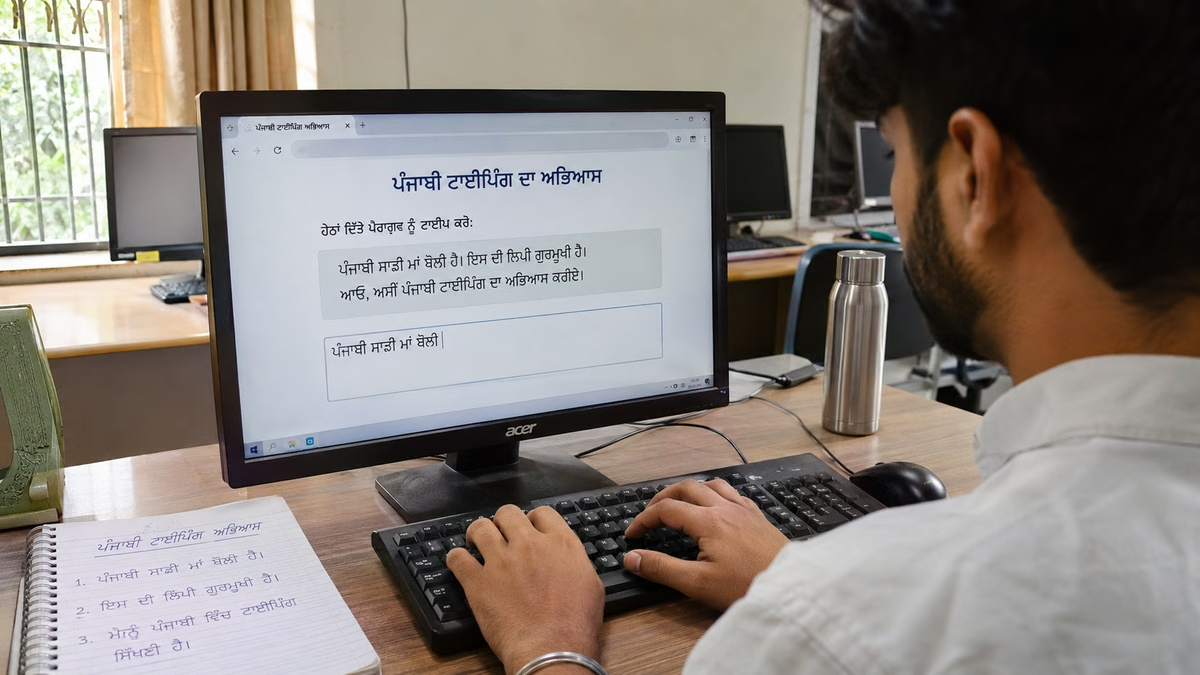
Most beginners open a Word file, choose Raavi from the font list and start pressing keys. What comes out is English. That moment confuses a lot of learners, and it happens because Raavi does not decide what your keys type. Your keyboard layout does.
This guide shows you how to learn Punjabi typing in Raavi font the right way. You will set up Punjabi input on your computer, learn where the first keys sit and practise real Gurmukhi words. Then you will move from short lessons to timed tests and understand what your score actually means.
Raavi, Unicode and InScript: Three Different Things
Before you practise, it helps to separate three terms that people often mix up.
- Raavi is a font. Microsoft describes it as a Windows font intended mainly for Punjabi and other languages written in Gurmukhi. A font only controls how letters look on screen.
- Gurmukhi Unicode is the standard way computers store Gurmukhi characters. Punjabi Unicode typing means every letter you type is saved as a standard character that any Unicode font can display.
- Punjabi InScript is a keyboard layout. It decides which Gurmukhi character each key produces. On Windows it appears as "Punjabi INSCRIPT".
So when someone says "Raavi typing", they usually mean Gurmukhi Unicode text displayed in the Raavi font. The keys they press depend on their input method. Many learners use InScript, but Windows also offers a Punjabi Phonetic keyboard, and other Unicode input methods exist. The key positions in this guide apply to InScript only.
| Term | What it controls | What it does not do |
|---|---|---|
| Raavi font | The appearance of Gurmukhi letters | Change which character a key types |
| Gurmukhi Unicode | How characters are stored and shared | Set a key layout or a visual style |
| Punjabi InScript keyboard | Which key produces which character | Change the font on your screen |
One more point matters for practice. Older Punjabi fonts such as Asees map Gurmukhi shapes onto English characters. That text is not Unicode, and the TypingTestOnline.in Punjabi test does not convert it. If you learned on a legacy font, you will need to switch to a Unicode input method to practise here.
How to Enable Punjabi Input on Windows
These steps follow Microsoft's own instructions for Windows 11. Menu names can differ slightly on older versions.
- Open Settings and go to Time & language then Language & region.
- Select Add a language. Choose Punjabi (Gurmukhi) and select Next.
- You can skip the optional language features if you only want to type Punjabi and keep your current display language. Select Install.
- Windows installs the Punjabi INSCRIPT keyboard by default. You do not need to add anything else for InScript practice.
To switch between English and Punjabi, press the Windows logo key + Spacebar. You can also click the language indicator in the taskbar. When Punjabi InScript is active, the indicator shows ਪੰ instead of ENG.
Getting the Raavi font
Raavi ships with Windows, but on current versions Microsoft lists it as part of an optional feature called Gurmukhi Supplemental Fonts. If Raavi is missing from your font list, install that feature. Remember that your typing works the same without it. Any Unicode Gurmukhi font will display what you type.
Setting Up Punjabi Input on a Mac
Apple's guide for adding an input source in current macOS works like this:
- Choose the Apple menu then System Settings, and click Keyboard in the sidebar.
- Go to Text Input and click Edit.
- Click the Add button, search for Punjabi and select a Gurmukhi input source.
- Click Add, then pick the new source from the Input menu in the menu bar.
You can switch sources with Control + Space. Be careful here. Mac Gurmukhi input sources do not necessarily place characters on the same keys as Windows Punjabi InScript, and Raavi is a Windows font that may not be on your Mac. If you are training for a Windows based exam, check the layout of the Mac source you chose before relying on the key positions below.
Start With the Home Row
On Punjabi InScript, the home row carries some of the most used vowel signs on the left hand and common consonants on the right. Rest your fingers on A S D F and J K L ; as you would in English typing.
| Key | Character | Key | Character |
|---|---|---|---|
| A | ੋ (hora) | H | ਪ |
| S | ੇ (lanv) | J | ਰ |
| D | ੍ (halant) | K | ਕ |
| F | ਿ (sihari) | L | ਤ |
| G | ੁ (aunkar) | ; | ਚ |
| ' | ਟ |
These positions are taken from Microsoft's Punjabi INSCRIPT layout on a standard US keyboard. The site's Punjabi home row lesson drills exactly these keys and has a practice mode plus a one minute test mode. Stay on it until you can find each key without looking down.
After the home row, work through the upper row, lower row and Shift keys in order. The beginner Punjabi typing lessons are arranged that way, ending with a full keyboard practice lesson.
Gurmukhi Practice Words With Exact Keystrokes
Single keys build memory. Words build rhythm. Each example below lists the keys you press on Windows Punjabi InScript, in the order you press them.
Home row only
- ਕਰ: K, J
- ਪਰ: H, J
- ਤੇ: L, S
- ਪੇਟ: H, S, '
- ਚੋਰ: ;, A, J
- ਕਿਤੇ: K, F, L, S
Adding the upper row
On the upper row, E gives ਾ (kanna), R gives ੀ (bihari), Y gives ਬ, U gives ਹ, I gives ਗ and O gives ਦ.
- ਬਾਗ: Y, E, I
- ਕਿਤਾਬ: K, F, L, E, Y
- ਹੋ: U, A
Words with tippi, bindi and addak
- ਪੰਜਾਬੀ: H, X, P, E, Y, R (X gives tippi ੰ)
- ਗੇਂਦ: I, S, Shift+X, O (Shift+X gives bindi ਂ)
- ਪੁੱਤਰ: H, G, Shift+4, L, J (Shift+4 gives addak ੱ)
- ਸ੍ਰੀ: M, D, J, R (halant joins ਸ and ਰ)
A short sentence
ਤੁਸੀਂ ਕਿੱਥੇ ਹੋ
- ਤੁਸੀਂ: L, G, M, R, Shift+X
- ਕਿੱਥੇ: K, F, Shift+4, Shift+L, S
- ਹੋ: U, A
Type each word five times slowly, then type the full set as one line with a single space between words.
Common Mistakes Beginners Make
Typing sihari before the consonant
Sihari (ਿ) appears on the left of the letter, so beginners press F first. In Unicode you type the consonant first and the vowel sign after it. For ਕਿ you press K and then F. The font places the sign in the right spot for you.
Mixing up tippi and bindi
Tippi (ੰ) is on X and bindi (ਂ) is on Shift+X. They look similar at small sizes but they are different characters, so the test treats them as different. As a general guide, tippi usually follows a consonant with no vowel sign or with ਿ or ੁ. Bindi usually follows ਾ, ੀ, ੇ, ੈ, ੋ or ੌ. Always type what the passage shows.
Putting addak in the wrong place
Addak (ੱ) doubles the sound of the next consonant, so you type it before that consonant. In ਪੁੱਤਰ the order is ਪ, ੁ, ੱ, ਤ, ਰ.
Extra or missing spaces
The Punjabi test scores accuracy word by word. An extra or missing space can stop your words from lining up with the passage, and the test marks those spots for you to review. Use one space between words and do not press space inside a word.
Wrong keyboard or wrong input method
If English letters appear, your input is still set to ENG. If words appear after you type English spellings, you have selected Punjabi Phonetic instead of InScript. Check the taskbar indicator before every session. If you practise in Word or another editor, check that you are not using a legacy font like Asees, which stores text in a way the test cannot read.
A Practical Daily Routine
Short, regular sessions work better than one long session a week. Here is a simple way to progress.
- Warm up with one lesson. Repeat the row you are currently learning in practice mode. Focus on correct finger placement.
- Type practice words. Spend a few minutes on words that use the keys you know, like the lists above.
- Take a one minute lesson test. Use the lesson's test mode to see whether the row is ready.
- Move to passages. Once you have covered all rows, take a free Punjabi typing test. Start with the 2 minute duration.
- Build stamina. When your accuracy holds steady, switch to the 5-minute Punjabi typing test. Later, add a 10-minute Punjabi typing test a few times a week.
Keep notes of your results. If accuracy drops when you move to a longer test, go back to the shorter one for a while. Speed comes from clean, repeated practice. Rushing usually adds mistakes.
How to Read Your WPM and Accuracy
The Punjabi typing test online at TypingTestOnline.in shows your net WPM, gross WPM, accuracy and a mistake count after each attempt. Here is what the first three mean.
- Gross WPM counts every character you typed and converts it to words at five characters per standard word.
- Net WPM uses only the characters that correctly matched the passage, with the same five character conversion.
- Accuracy compares the words you completed correctly with the words you attempted. An unfinished final word is not credited.
A large gap between gross and net WPM means you are typing fast but making errors. That is a sign to slow down. Focus on accuracy first, because net WPM rises on its own when errors fall.
If you are preparing for a recruitment exam, your speed requirement, test duration, permitted layout and marking rules come from the official notice for that post. Read your specific recruitment notice. This practice site does not declare a pass or fail.
Take Your First Test
Once your Punjabi input is set up and you have finished the home row, try a short passage. You can check your Punjabi typing speed with 2, 5 or 10 minute durations. The timer starts with your first keystroke, so take a breath, place your fingers on the home row and begin.
Frequently Asked Questions
Is Raavi a keyboard layout?
No. Raavi is a font that controls how Gurmukhi text looks. Punjabi InScript is a keyboard layout that controls which character each key produces. You need a Punjabi input method to type, and Raavi only changes the appearance.
Why do English letters appear when I select Raavi?
Choosing a font does not switch your keyboard. Add Punjabi (Gurmukhi) in your language settings, then press Windows logo key + Spacebar until the indicator shows ਪੰ.
Can I practise with Asees or another legacy font?
Not on this site's test. It scores Gurmukhi Unicode text and does not convert legacy Asees text. Use a Unicode input method such as Punjabi InScript.
Which test duration should a beginner start with?
Start with the lessons and their one minute test mode. After you have covered every row, take the 2 minute Punjabi test, then move to 5 and 10 minutes as your accuracy stays steady.
Put these Punjabi typing tips into practice: Take the Punjabi Typing Test and check your speed and accuracy.