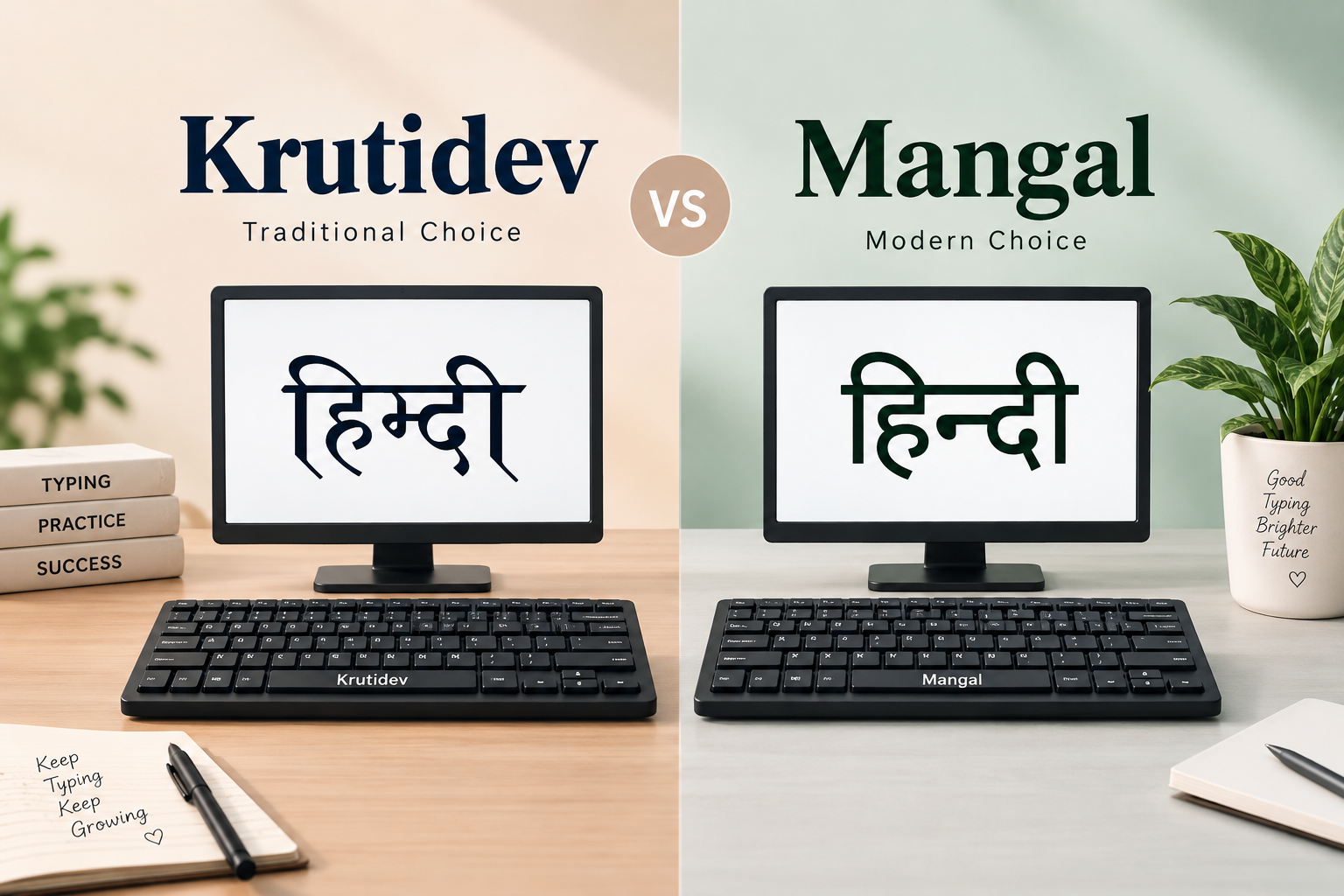
Krutidev vs Mangal — The Complete Guide for Hindi Typing
If you are preparing for a Hindi typing exam, you have likely encountered two font names: Krutidev and Mangal. Many students are confused about which one to learn. This comprehensive guide will clear all your doubts.
What is Krutidev?
Krutidev is a traditional Hindi font that was developed in the early 1990s. It uses a non-standard keyboard mapping where each key produces a specific Hindi character. Krutidev does NOT use Unicode — it is an ASCII-based font.
Used in: CPCT (Madhya Pradesh), older government offices, UP Lekhpal exam
What is Mangal?
Mangal is a Unicode-based Devanagari font developed by Microsoft. It uses the Inscript keyboard layout which is the official standard for typing Indian languages on computers.
Used in: Modern government systems, SSC, court typing, new NIC systems
Key Differences
| Feature | Krutidev | Mangal |
|---|---|---|
| Type | ASCII/Non-Unicode | Unicode |
| Keyboard Layout | Typewriter-based | Inscript |
| Compatibility | Older systems | All modern systems |
| Internet Use | Limited | Full support |
| Learning Difficulty | Higher | Moderate |
Which One Should You Learn?
- If targeting CPCT exam: Learn Krutidev — it is specifically required
- If targeting SSC/general government jobs: Learn Mangal/Inscript
- If you have time: Learn both — many experienced typists know both fonts
How to Install Hindi Keyboard
For Mangal/Inscript: Go to Windows Settings → Time & Language → Language → Add Hindi → Enable Hindi keyboard. Then use Win+Space to switch between English and Hindi input.
Practice Tips
Use TypingTestOnline.in Hindi typing test to practice. Our platform supports both Krutidev and Mangal Unicode input — just type in your preferred keyboard layout and our system will match your input with the paragraph text.