Learning to type on a computer may look easy but developing good typing habits takes time. Many beginners can type simple words without difficulty. However they often struggle when they need to type longer sentences or complete a timed typing test.
The problem is not always typing speed. Sometimes small mistakes in finger placement or typing technique make it difficult to improve.
If you are learning touch typing or preparing for an online typing test then understanding these mistakes can help you make better progress.
Let's look at the common typing mistakes beginners should avoid and what you can do to correct them.
1. Looking at the Keyboard Too Often
When you are new to typing it feels natural to look down at the keyboard before pressing each key. You want to make sure that your fingers are in the right place.
However this habit makes typing slower. Your attention keeps moving between the keyboard and the screen.
How to improve:
Start by learning the position of the home row keys. Practise typing short words while keeping your eyes on the screen. Do not worry if you make mistakes in the beginning. Your fingers will gradually learn where the keys are located.
2. Using Only Two or Three Fingers
Some beginners type with only their index fingers. This may feel comfortable at first but it is not an efficient way to type longer content.
Your keyboard is designed for all ten fingers. Each finger has specific keys to reach.
How to improve:
Learn the correct finger placement and use all ten fingers during practice. Begin with simple exercises and slowly move towards complete sentences.
3. Focusing on Speed Instead of Accuracy
A high WPM score can look impressive but speed is not everything. If you type quickly and make frequent mistakes then your actual performance may suffer.
Many beginners press keys too quickly without reading the text properly.
How to improve:
Concentrate on typing every word correctly. Once your accuracy becomes consistent you can gradually increase your speed.
Take a free online typing test to check both your typing speed and accuracy.
4. Not Learning the Home Row Position
The home row is the foundation of touch typing. It gives your fingers a starting position and helps you reach other keys without unnecessary movement.
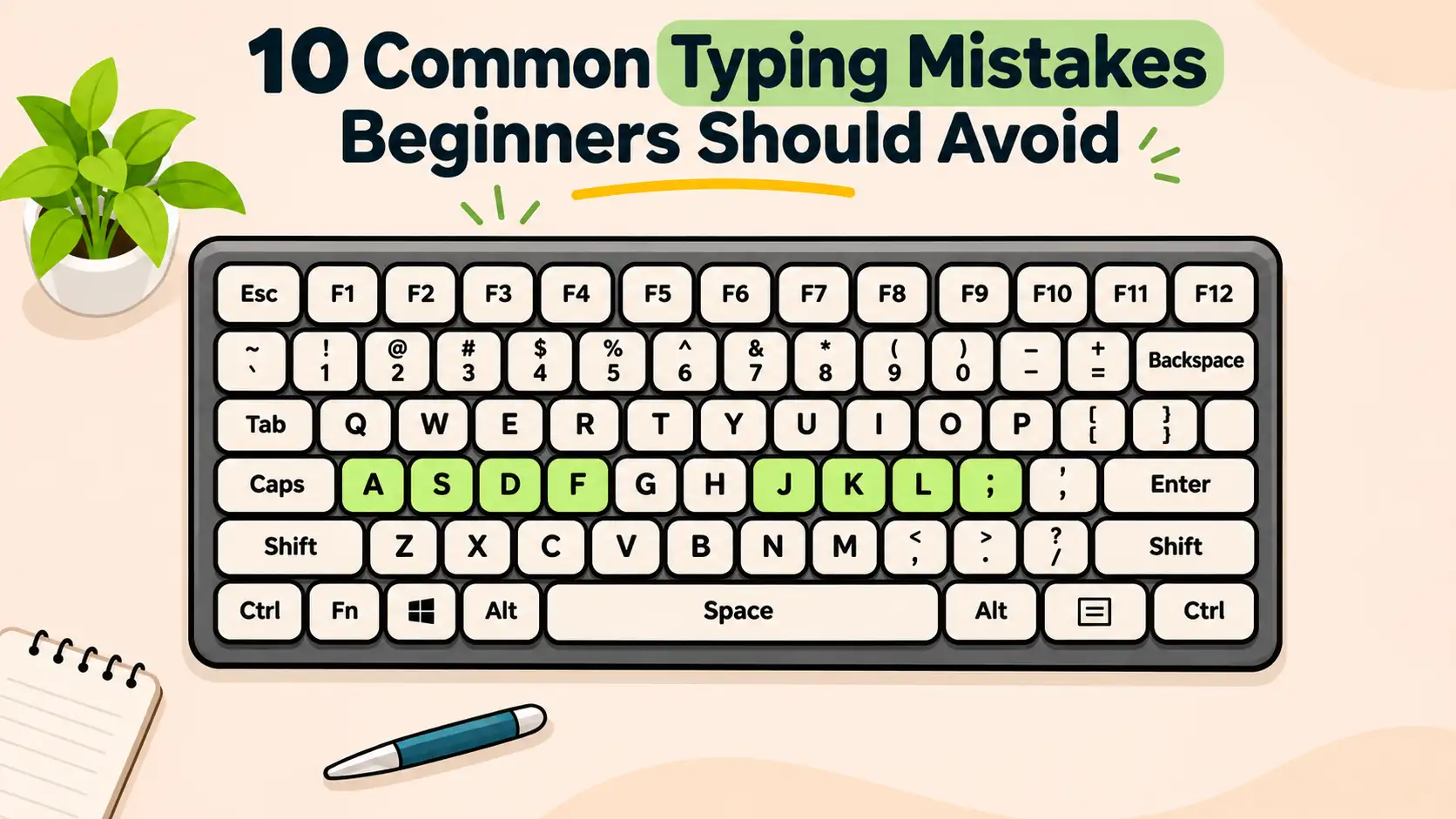
On a standard QWERTY keyboard the left hand rests on A S D F while the right hand rests on J K L and the semicolon key.
How to improve:
Place your fingers on the correct home row keys before starting a practice session. Notice the small raised marks on the F and J keys. These marks help you find the correct position without looking down.
5. Having Poor Sitting Posture
Typing for a long time in an uncomfortable position can make your hands and shoulders feel tired. Some beginners lean too close to the screen or keep their wrists bent while typing.
How to improve:
- Sit comfortably with your back supported.
- Keep your shoulders relaxed.
- Place your feet flat on the floor.
- Keep the keyboard at a comfortable height.
- Avoid putting too much pressure on your wrists.
A comfortable working position helps you practise without unnecessary strain.
6. Pressing Keys With Too Much Force
You do not need to hit keyboard keys with full force. Some beginners press every key very hard because they think it will make their typing more accurate.
In reality this can make your fingers tired and reduce your typing rhythm.
How to improve:
Use gentle finger movements. Press each key naturally and allow your fingers to move freely. Try to maintain a relaxed hand position throughout your practice.
7. Practising Only When You Have Free Time
One common mistake is practising typing only once or twice a week. Typing is a skill that improves through regular repetition.
A long practice session once a week is not always as useful as a short session every day.
How to improve:
Set aside 10 to 15 minutes for typing practice each day. Follow a simple routine and try to maintain it consistently.
8. Pressing Backspace After Every Mistake
Beginners sometimes stop after every incorrect letter and immediately press backspace. This can break their concentration and interrupt their typing rhythm.
Correcting mistakes is important but constantly stopping can make practice frustrating.
How to improve:
Read the given text carefully before typing. Try to reduce mistakes instead of rushing through the passage. During accuracy practice you should correct errors and learn why they happened.
9. Avoiding Difficult Words
Many beginners prefer practising easy and familiar words. They may skip longer words or sentences because these are harder to type.
However real typing tasks include different words and sentence structures.
How to improve:
Include difficult words in your practice. Work on spelling and finger movement. Gradually practise longer paragraphs that include capital letters and punctuation.
10. Ignoring Your Typing Test Results
Taking a typing test every day does not automatically mean you are improving. You also need to understand your results.
If you only look at your WPM score then you may miss important details about your performance.
How to improve:
Check your typing speed and accuracy after every test. Notice which words or keys cause problems. Keep a record of your results so you can compare your progress over time.
A Simple Daily Typing Practice Plan
You do not need to spend hours learning how to type. A short daily routine can help you develop better control and confidence.
|
Practice Activity |
Time |
|
Home row exercises |
3 minutes |
|
Common word practice |
3 minutes |
|
Sentence typing |
4 minutes |
|
Paragraph typing |
3 minutes |
|
Online typing test |
2 minutes |
Follow this routine regularly and adjust the practice according to your weak areas.
How Can Beginners Develop Better Typing Habits?
Good typing habits come from understanding the keyboard and practising with patience.
Here are a few things to keep in mind:
- Learn the correct finger positions.
- Keep your eyes on the screen.
- Maintain a comfortable sitting position.
- Focus on accuracy before speed.
- Practise regularly.
- Review your typing test results.
- Work on the keys that cause repeated mistakes.
If you want to learn how to type without looking at the keyboard then read our guide on how to type without looking at the keyboard.
You can also improve your daily computer work by learning essential keyboard shortcuts every typist should know.